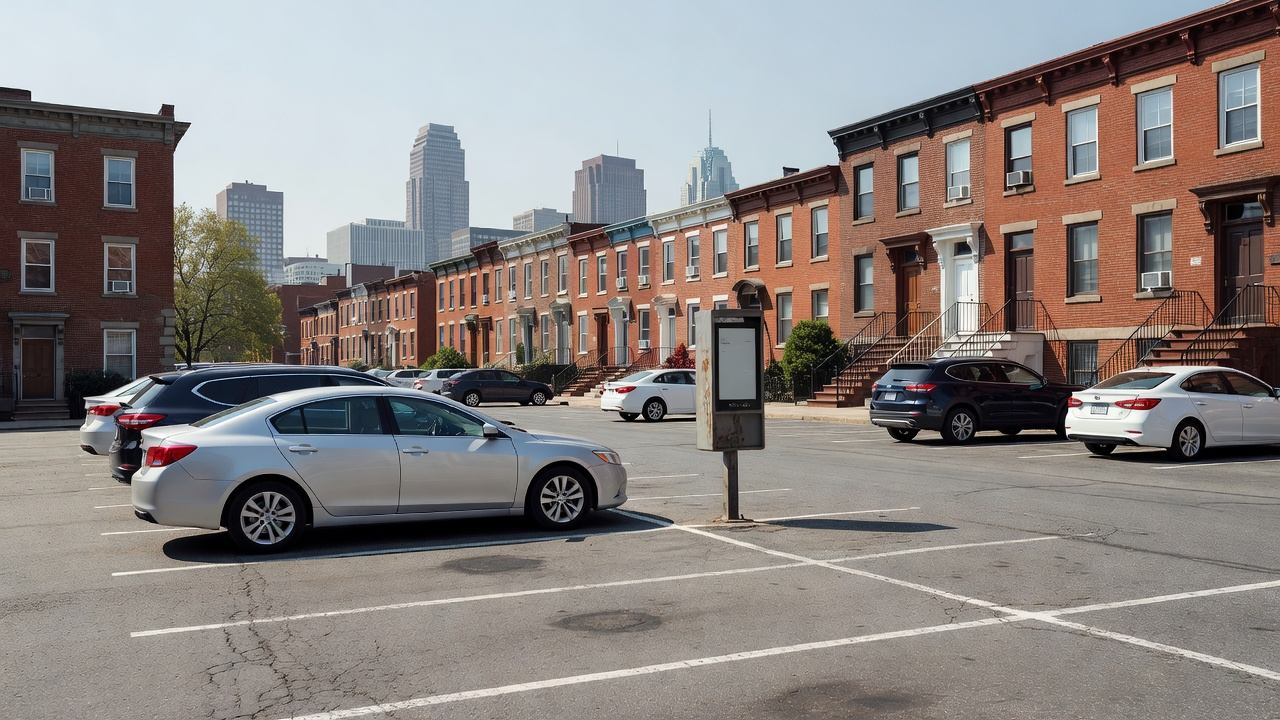
Baltimore drivers pulling into the Jones Falls Expressway A Lot now have a choice most cities don’t offer: three separate mobile payment apps, plus a text-to-pay option, all working on the same spaces. The Parking Authority of Baltimore City confirmed the rollout in January 2026 as part of a broader push to get city-owned lots and downtown metered spaces off coin-and-card-only payment. If you’re used to circling a meter looking for a working card slot, or you’ve never parked in Baltimore before and don’t know which app the city actually uses, here’s what’s live and how to pick fast.
What’s Actually Available
At the Jones Falls Expressway A Lot specifically, the city lists four working payment paths side by side:
- Flowbird — mobile app and web-based payment
- ParkMobile — the mobile app many drivers already have installed from other cities
- PayByPhone — mobile app and browser-based payment
- Text-to-pay — send “ParkBMore” to 727563, offered through Flowbird’s text system
All four do the same basic job: you enter the lot or zone number posted on nearby signage, select how long you need, and pay. You’ll get a text alert before your time runs out, and you can extend your session remotely without walking back to your car. Registration for any of the apps is free, and none of them require you to have used that specific platform in Baltimore before.
This isn’t unique to the Jones Falls lot — it’s the clearest example of a citywide pattern. The Parking Authority rolled all three apps out together across city-owned lots and downtown on-street metered parking, rather than picking one vendor and requiring drivers to install a new app every time they visit a different part of downtown. Traditional payment hasn’t gone away either: most single-space meters still take Visa, Mastercard, American Express, coins, and tap-to-pay for drivers who’d rather not use a phone at all.
Why Baltimore Picked Three Apps Instead of One
Most cities that modernize parking payment pick a single vendor and stick with it — San Francisco standardized on ParkMobile and HotSpot after phasing out PayByPhone, for instance. Baltimore’s approach is different, and it’s not an accident of a messy rollout: running Flowbird, ParkMobile, and PayByPhone in parallel means a driver who already has any one of the three major national parking apps on their phone from a previous city doesn’t have to download anything new to park legally in Baltimore. For a city that draws a large share of its downtown and stadium-district traffic from visitors rather than residents, that’s a meaningful reduction in friction at the exact moment someone is deciding whether to bother feeding the meter at all.
The tradeoff is the one every multi-vendor city runs into: three apps means three separate accounts, three separate ways to look up a receipt, and no single dashboard if you park in different Baltimore zones across a week. The text-to-pay option exists partly to route around that problem — it needs no app and no account setup, just a phone number and a zone code.
How to Pick in Under a Minute
If you already have ParkMobile, PayByPhone, or Flowbird installed from parking in another city, use that one — the zone number posted on the lot’s signage works identically across all three, and there’s no functional advantage to switching. If you’re parking in Baltimore for the first time and don’t want to download anything, text-to-pay is the fastest option: read the zone number off the sign, text “ParkBMore” to 727563, and follow the reply prompts to select your duration and pay.
The one situation where it’s worth installing an app instead of texting: if you expect to park in Baltimore regularly, an app account saves your vehicle and payment information, which speeds up every session after the first and makes it easier to track what you’ve spent across visits.
A Note on Zone Numbers
If you use ParkMobile specifically, the platform’s own Baltimore support documentation confirms that Baltimore City Parking Authority zone numbers start with either “18” or “19,” depending on which part of the city you’re in. That distinction matters mainly if you’re typing a zone number from memory rather than reading it off current signage — a transposed digit between an 18-series and 19-series zone can put your session in the wrong part of downtown entirely. The safest habit, across any of the three apps or the text-to-pay line, is to enter the number exactly as posted on the sign in front of your specific space rather than relying on a number you used on a previous visit.
What to Check Before You Park
A few practical notes that apply regardless of which method you choose. First, confirm the zone or lot number on the actual sign in front of your space — Baltimore’s zone numbering isn’t identical between on-street meters and city-owned lots, and entering the wrong number will charge a session for a space you’re not in. Second, set your reminder alerts on, not off; the ability to extend a session remotely only helps if you get the notification before time runs out, and all three apps let you disable alerts by mistake during setup. Third, if the Jones Falls Expressway A Lot is your regular stop, note that the city has said more locations are getting this same multi-app treatment — if a lot you use elsewhere in the city still only takes coins and cards, that’s likely to change within the year rather than staying that way indefinitely.
For visitors coming from a city with a single standardized app, the adjustment is smaller than it looks: pick whichever of the three you already trust, or skip the download entirely and text it in. Either way, the meter or lot works the same way it would anywhere else — you’re just choosing which door to walk through.